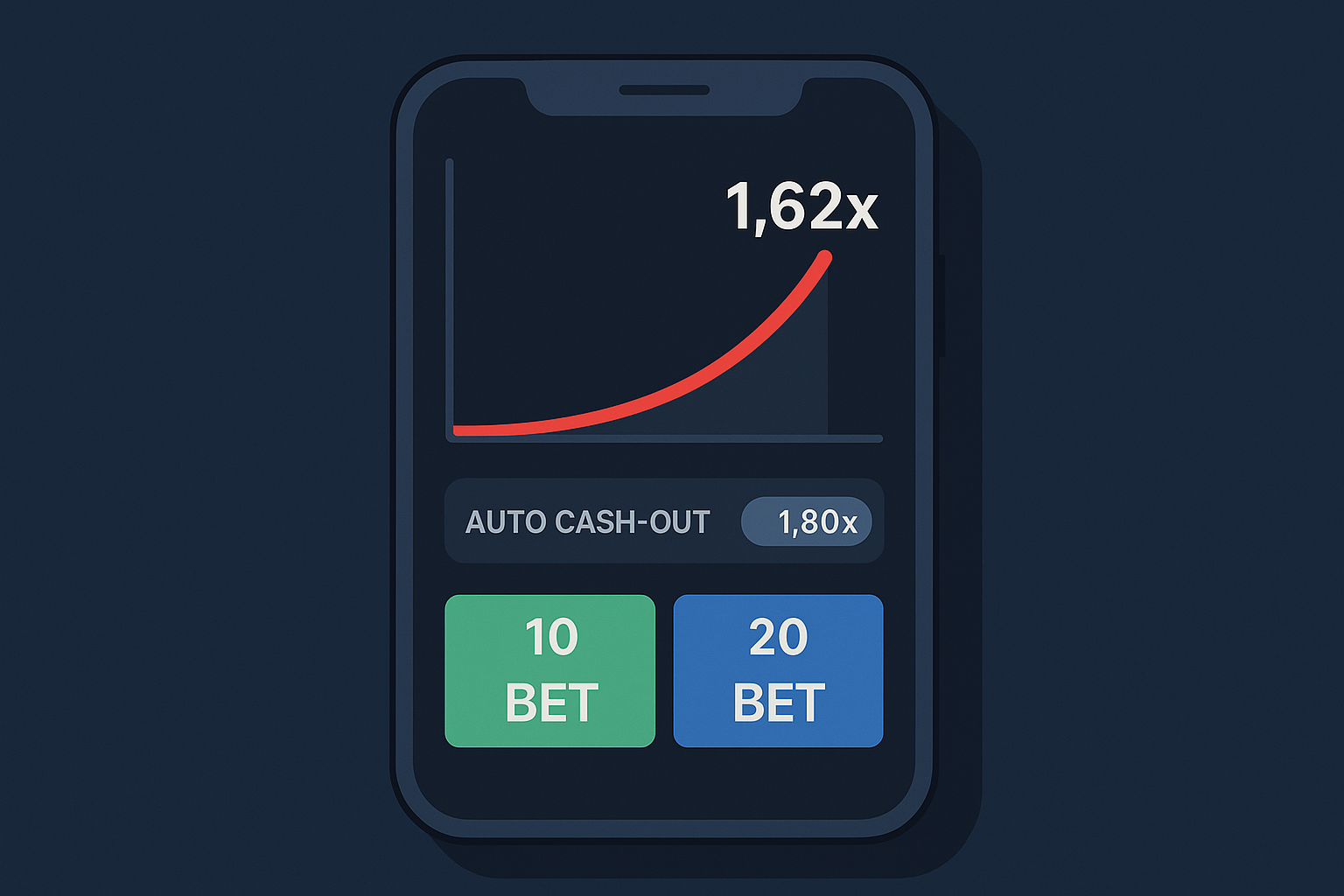
Aviator auto cash-out is a setting that closes your bet automatically the moment the multiplier hits a number you chose in advance. You type 1.80×, the round runs, and if the plane reaches 1.80× your bet is settled at that value without you touching the screen. Auto-bet does the same thing for placing the bet: it repeats your stake round after round until a stop condition kicks in.
Both features are convenience tools. Neither one changes the odds of the game. That distinction matters, so we’ll cover the mechanics first and then the honest maths behind them.
What is auto cash-out in Aviator?
Auto cash-out is a preset instruction that tells the game to lock in your bet at a specific multiplier. If the round crashes before that multiplier, the bet is lost like any other. If the multiplier reaches your target, the cash-out happens instantly, with no reaction time involved.
How auto cash-out works
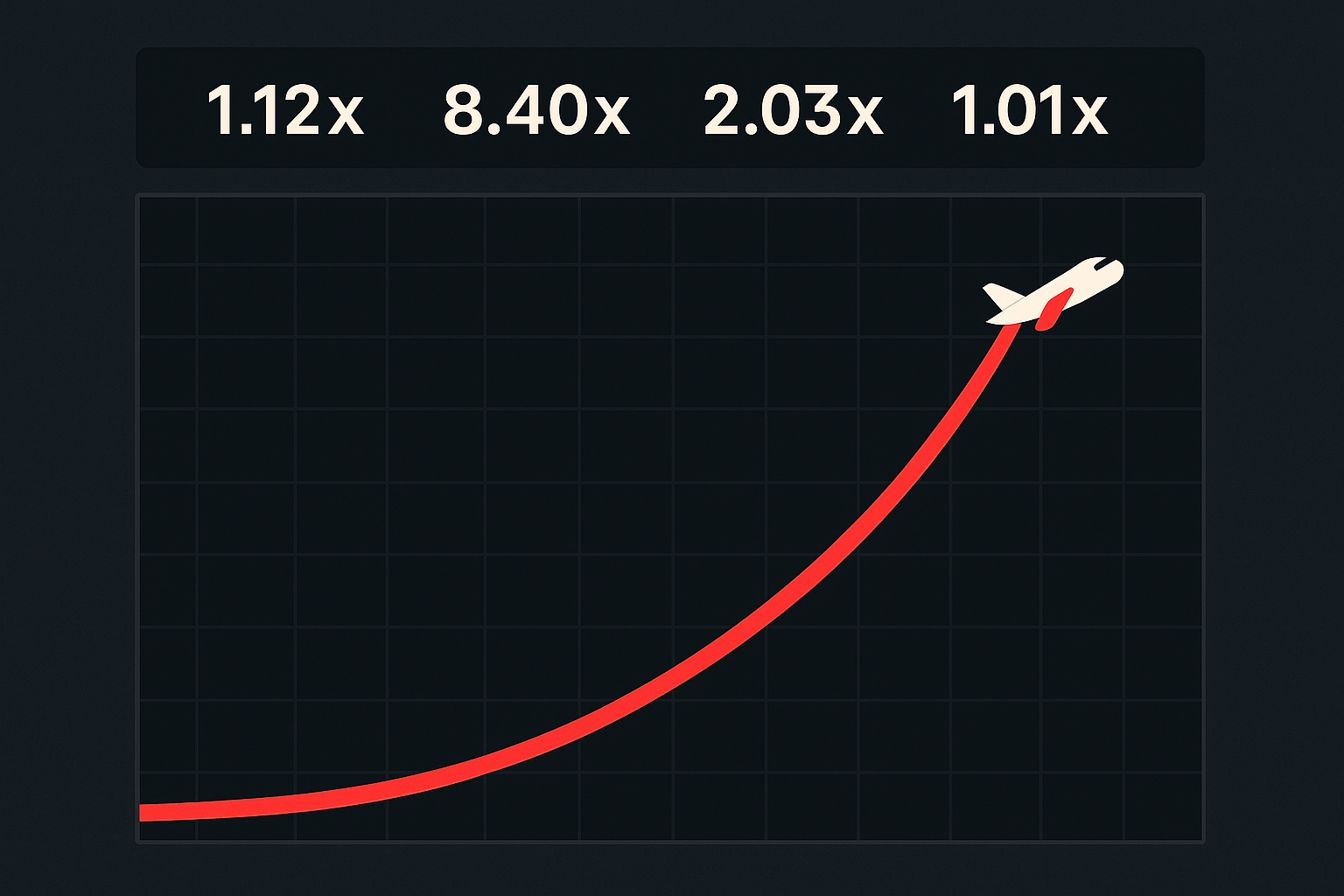
In a crash game, a multiplier climbs from 1.00× and stops at a random point decided by the game’s RNG before the round is even displayed. Your only decision is when to take the current multiplier. Manual cash-out depends on your thumb and your internet connection. Auto cash-out hands that decision to the software.
A few practical points worth knowing:
- The instruction is set before or during the round, but the crash point is already determined by the RNG, so setting it early gives no advantage.
- Your bet is settled at exactly the multiplier you entered, not at whatever the plane happened to show when you noticed it.
- If the round crashes below your target, auto cash-out does nothing at all. It cannot save a losing round.
If you’re new to the game itself, read our Aviator basics guide first, then come back to the automation settings.
Setting your auto cash-out multiplier
The setting sits next to the bet button, usually as a checkbox or toggle labelled “Auto Cash Out” with a numeric field beside it. Tick it, type your multiplier (most versions accept two decimal places, minimum 1.01×), and place your bet as normal.
Which number should you pick? There is no correct answer, only a trade-off. Low targets like 1.30× succeed more often but return very little per win. High targets like 10× pay a lot on the rare occasions they land. The table below shows the trade-off using the RTP that Spribe publishes for Aviator, 97%. In a fair crash model, the approximate chance of reaching a target multiplier is RTP ÷ target, so:
| Auto cash-out target | Approx. chance of reaching it | Return if it lands (₹100 stake) | Long-run expected return per ₹100 |
|---|---|---|---|
| 1.20× | ~81% | ₹120 | ₹97 |
| 1.50× | ~65% | ₹150 | ₹97 |
| 2.00× | ~49% | ₹200 | ₹97 |
| 3.00× | ~32% | ₹300 | ₹97 |
| 5.00× | ~19% | ₹500 | ₹97 |
| 10.00× | ~10% | ₹1,000 | ₹97 |
These probabilities are illustrative approximations based on a 97% RTP, not guarantees for any session. Notice the last column: it never moves. Your choice of multiplier changes the shape of your results, frequent small wins versus rare big ones, which is volatility. It does not change the expected return or the 3% house edge.
How to set up auto-bet in Aviator
Auto-bet repeats your stake automatically at the start of each new round, so you don’t have to press the bet button every 20 seconds. It’s usually found under an “Auto” tab in the bet panel, sometimes labelled “Auto Play” depending on which casino’s version you’re using.
Auto-bet setup steps
- Open the bet panel and switch from the “Bet” tab to the “Auto” tab.
- Set your stake per round. This amount will be deducted every round the feature is active, so treat it as stake × number of rounds, not as a single bet.
- Tick auto cash-out and enter your target multiplier. Running auto-bet without auto cash-out means you still have to cash out manually every round, which defeats most of the purpose.
- Choose the number of rounds if your version offers a round counter (commonly 10, 20, 50, 100 or a custom figure).
- Set your stop conditions, covered below.
- Press start. The first bet is placed on the next round, and the panel shows a running total you can stop at any time.
Stopping auto-bet mid-session is always possible. The stop takes effect from the next round, not the one already in flight.
Stop loss and win limit settings
The stop conditions are the most useful part of the whole feature set, and most players ignore them. Depending on the operator’s build, you’ll typically see:
- Stop if balance decreases by — a stop loss. Enter ₹500 and auto-bet halts once you’re ₹500 down from where you started.
- Stop if balance increases by — the mirror image, a win limit that ends the session while you’re ahead.
- Stop if single win exceeds — halts the sequence after any round that pays above a set amount.
Set the stop loss to a number you’d be genuinely fine losing, and set it before you start, not after a bad run. This is the one place where automation genuinely helps discipline, because the software doesn’t feel the urge to “make it back”.
Using Aviator’s two-bet (dual bet) panel
The two-bet panel lets you place two independent bets on the same round, each with its own stake and its own auto cash-out target. Both bets ride the same multiplier and the same crash point, but they settle separately.
Dual betting strategy examples
The common pattern is one conservative bet and one speculative one. For example, ₹100 on bet A with auto cash-out at 1.40×, and ₹100 on bet B with auto cash-out at 5.00×. If the round crashes at 2.10×, bet A returns ₹140 and bet B is lost, so you’re ₹60 down on ₹200 staked. If the round runs to 6.00×, you collect ₹140 plus ₹500.
Another approach is auto cash-out on bet A and manual cash-out on bet B, letting you bank part of the stake automatically while deciding on the rest in real time. Both are legitimate ways to distribute risk, and neither improves your expected return. Two bets at 97% RTP is still 97% RTP on twice the money at stake.
Managing two bets simultaneously
Practical cautions from using the panel:
- Your total exposure per round doubles. Two ₹100 bets is a ₹200 round, and the round counter in auto-bet applies to both panels.
- Manual cash-out on two bets at once is genuinely hard on a phone screen. If you use dual betting, set at least one side to auto.
- Auto-bet and auto cash-out settings are configured per panel, so check both before starting a long sequence.
Do auto features improve your chances in Aviator?
No. Auto cash-out and auto-bet do not improve your chances, your RTP or your expected return. The crash point for each round is generated randomly and independently, and Aviator uses a provably fair system that lets you verify a round wasn’t manipulated after the fact. Rounds carry no memory, so a string of early crashes tells you nothing about the next one.
What automation removes is human error: the fraction of a second you hesitated, the mis-tap, the connection lag, the greedy decision to hold on past your plan. That’s real value, and it’s worth having. But removing timing mistakes only brings your results closer to the game’s built-in maths, and that maths keeps a 3% edge for the house on every rupee wagered. There is no setting, sequence or multiplier pattern that turns a negative expected value into a positive one. Anyone selling an “Aviator auto cash-out strategy” that guarantees profit is selling you nothing.
If you want to understand why the outcomes can’t be predicted, our explainer on Aviator’s RNG and provably fair system goes through the mechanics.
Pros and cons of Aviator automation
When auto features help
- You have a fixed plan and want to stick to it. A preset 1.60× target executes the same way at round 1 and round 50.
- You’re playing on a slow connection or an older phone, where manual cash-out lag costs you multipliers.
- You want hard stop conditions on your session spend and time.
- You’re using the dual bet panel and can’t realistically manage both bets by hand.
Limitations to consider
- Automation runs faster than your judgement. A ₹200 stake over 50 rounds is ₹10,000 wagered, and it can clear in minutes.
- You give up in-round flexibility. If a multiplier is climbing past 20×, your 1.50× auto cash-out already settled long ago.
- There are no patterns to adapt to, so “smart” automation is a myth. Any sequence you build is still betting into the same house edge.
- Implementations differ between casinos. Check whether your version supports round counters and balance-based stops before assuming they exist.
- Chasing losses with auto-bet is quicker and quieter than doing it manually, which makes it more dangerous, not less.
Set a deposit limit and a session time limit before you use auto-bet, treat any money staked as spent, and use the cool-off or self-exclusion tools if play stops being fun. Our responsible gambling page lists the tools available and where to get support in India. Aviator is for adults of legal gambling age only.
FAQ
What is auto cash-out in Aviator?
A setting that automatically settles your bet the moment the multiplier reaches a number you entered in advance, removing the need to tap cash out yourself. If the round crashes below that number, the bet loses as normal.
How do I set auto-bet in Aviator?
Open the Auto tab in the bet panel, set your stake per round, tick auto cash-out with a target multiplier, choose the number of rounds, add a stop loss and win limit, then press start. You can stop it at any time and the change applies from the next round.
Does auto cash-out improve my chances?
No. It removes timing and reaction errors but does not affect the RNG, the RTP or the house edge. Spribe publishes an RTP of 97% for Aviator, which means a 3% house edge over the long run whatever settings you use.
What is the two-bet panel?
A mode that lets you place two separate bets on the same round, each with its own stake and cash-out target, so you can take one early payout while letting the second bet run for a higher multiplier.